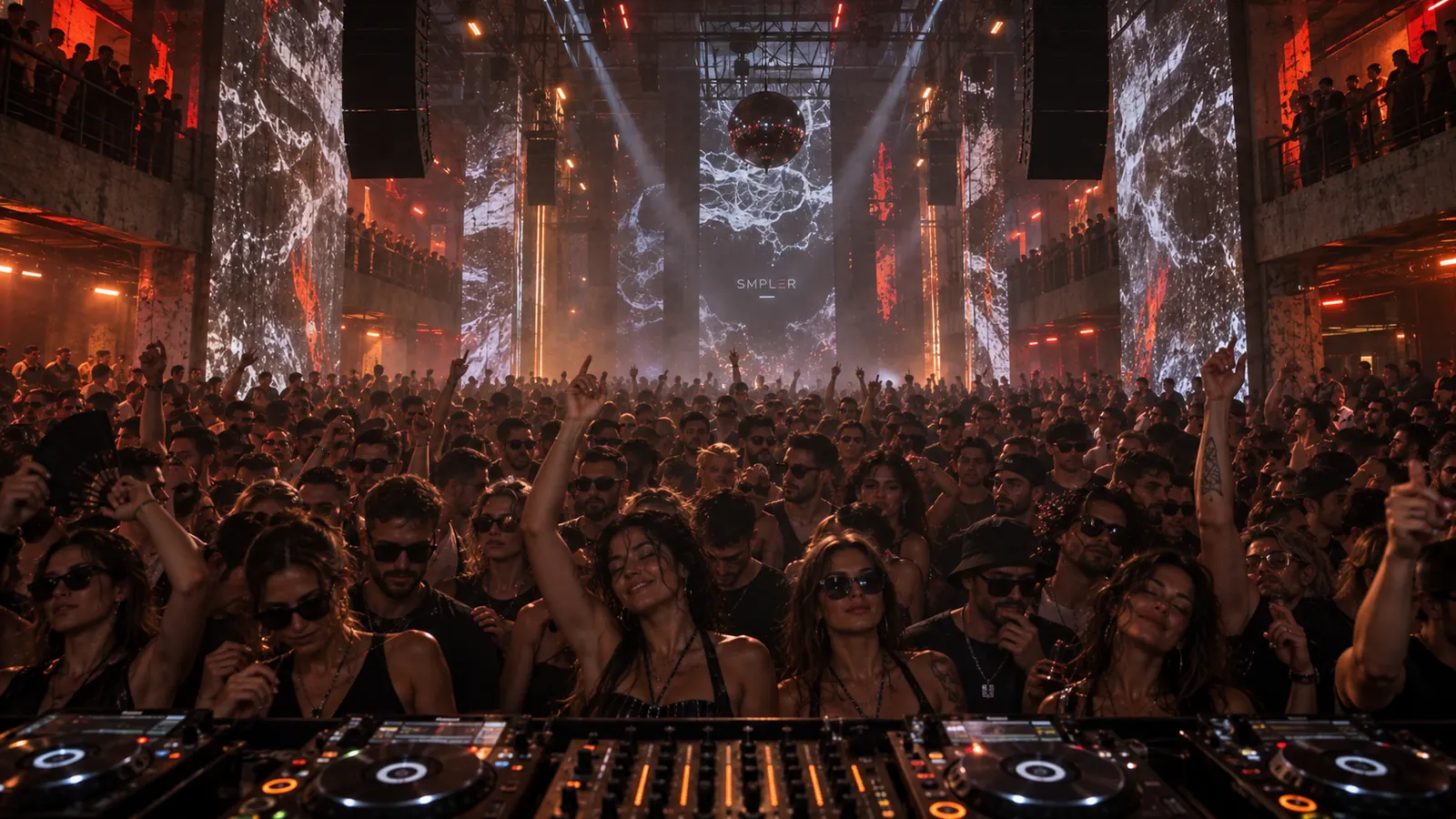
FROM FIRST TAP
TO THE DANCE FLOOR.
Find your track’s sweet spot in minutes.
Your samples → RDM → Your groove → The dance floor
● SMPLER — The Live Techno Instrument
Turn your own samples into new, playable techno ideas in seconds. Find the groove, build your scenes and take them to the dance floor.
iPhone & iPad · Coming December 2026
Find your track’s sweet spot in minutes.
Your samples → RDM → Your groove → The dance floor
Import from Files or your library. SMPLER locks everything to the grid.
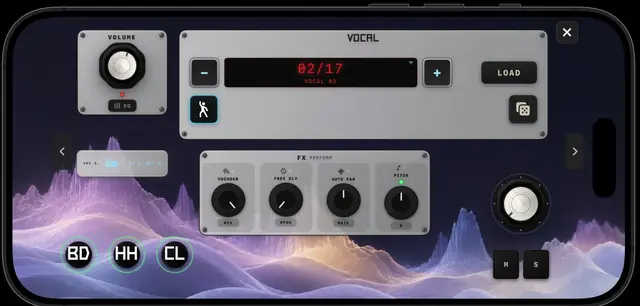
RDM finds a new direction. RDM+ explores everything inside your machines. Long press to undo.
Shape the bass, acid, drums and textures. Save the moments you want to keep.
Switch to Dancefloor, arm your mutes, trigger the Drop and record the entire performance.
● RDM re-rolls the floor and finds your track’s sweet spot in minutes
Professionals
Import your own sound library, escape the empty timeline and discover new starting points. When the idea lands, export every machine as stems and continue inside your DAW.
First-time makers
No complicated timeline. No years of tutorials before the first result. Press Play, explore the machines and learn by hearing what every movement changes.
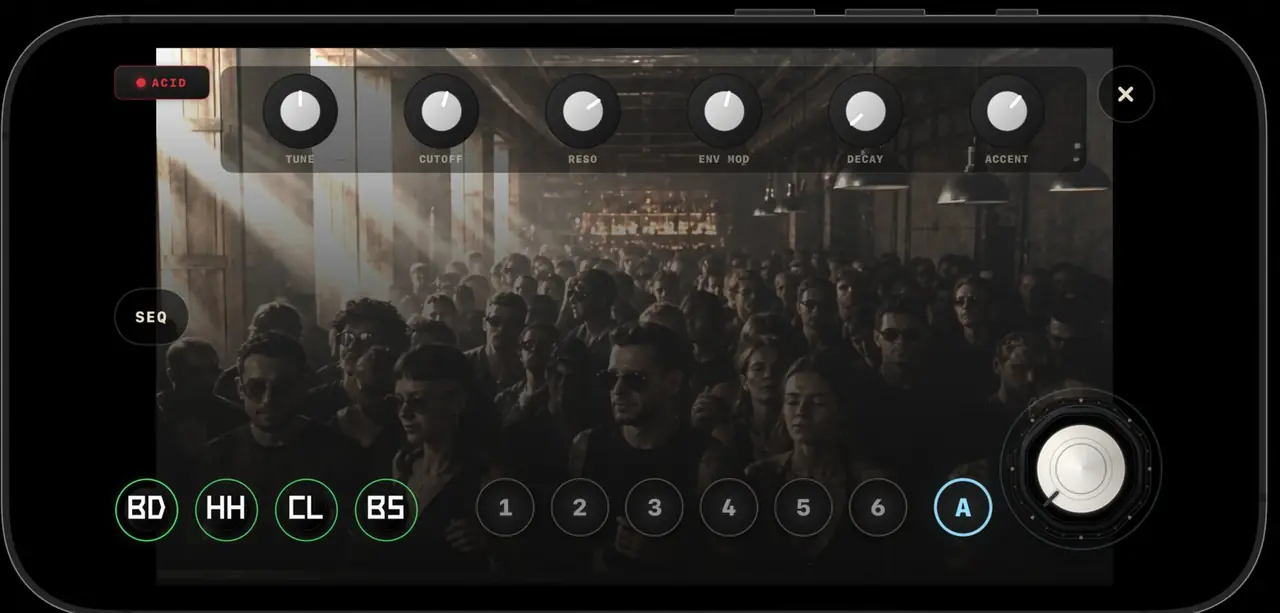
RDM / RDM+
Re-roll the groove, explore deeper combinations and return instantly if the previous idea was better.
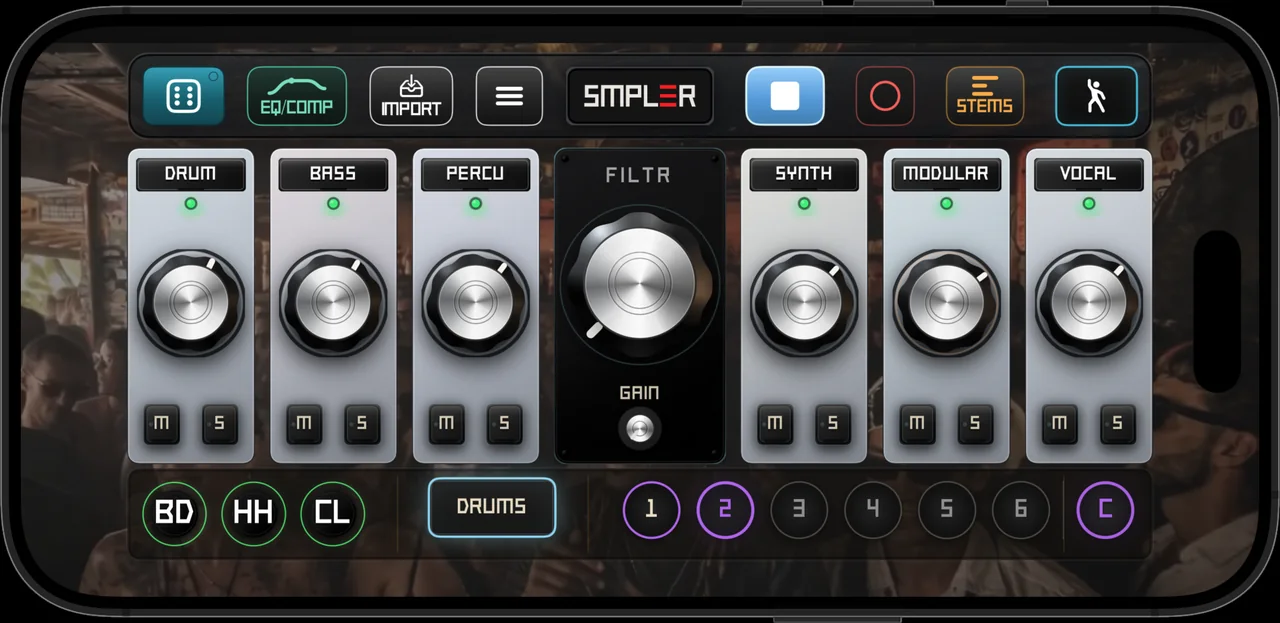
Mixer
Seven channels around the master filter. Solo, mute and shape the energy without leaving the performance.
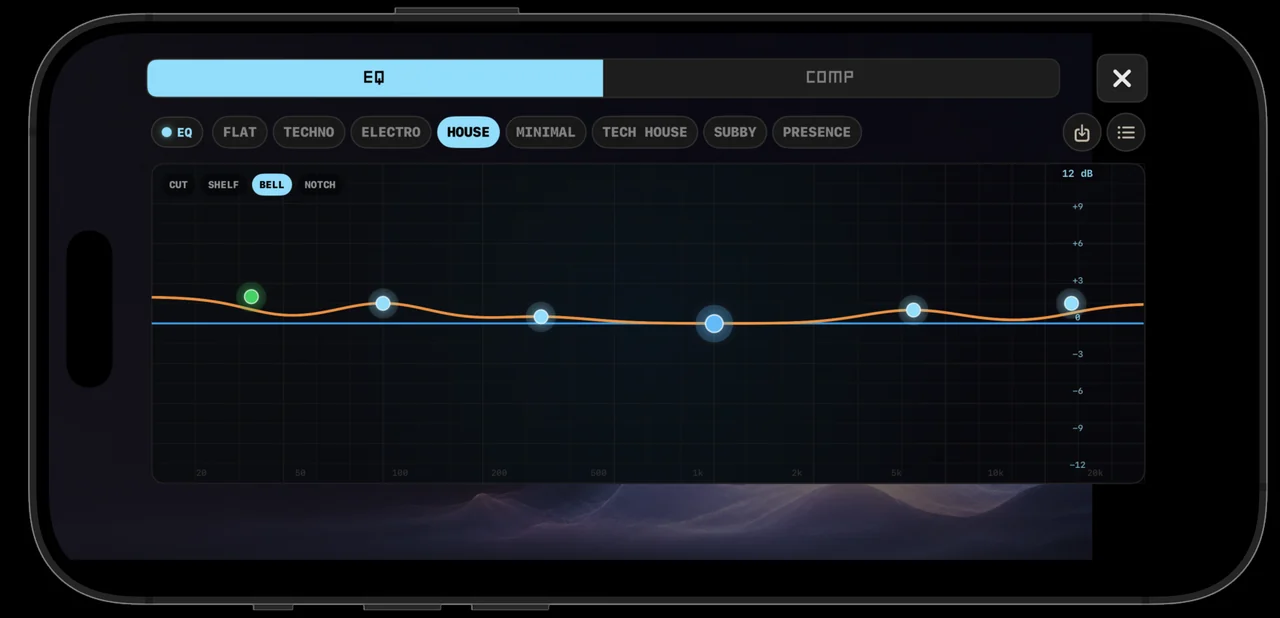
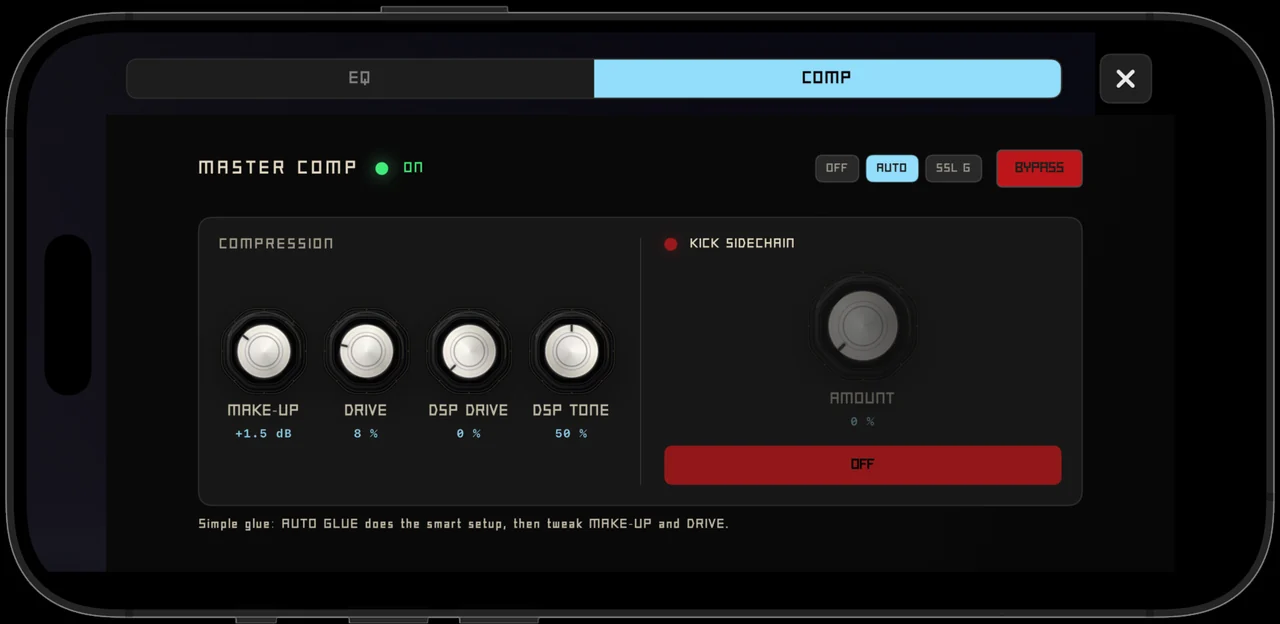
EQ / Comp
Seven factory EQ curves and your own saved on top. A glue compressor with kick sidechain. The last thing your set goes through, and it sounds like a studio.
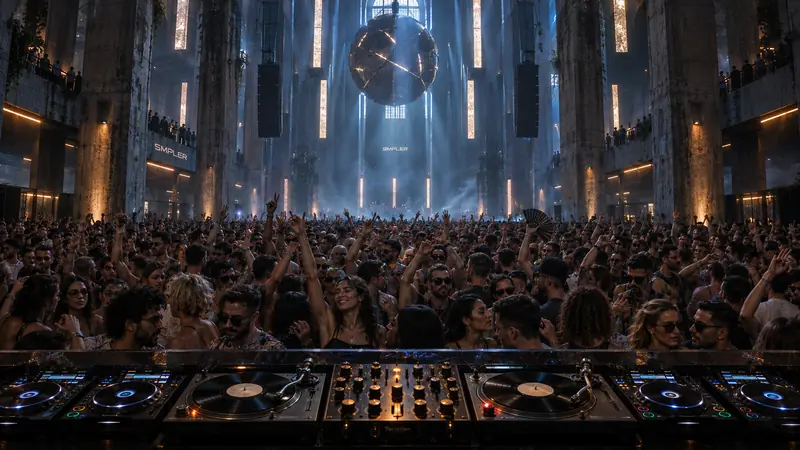
Dancefloor + Drop
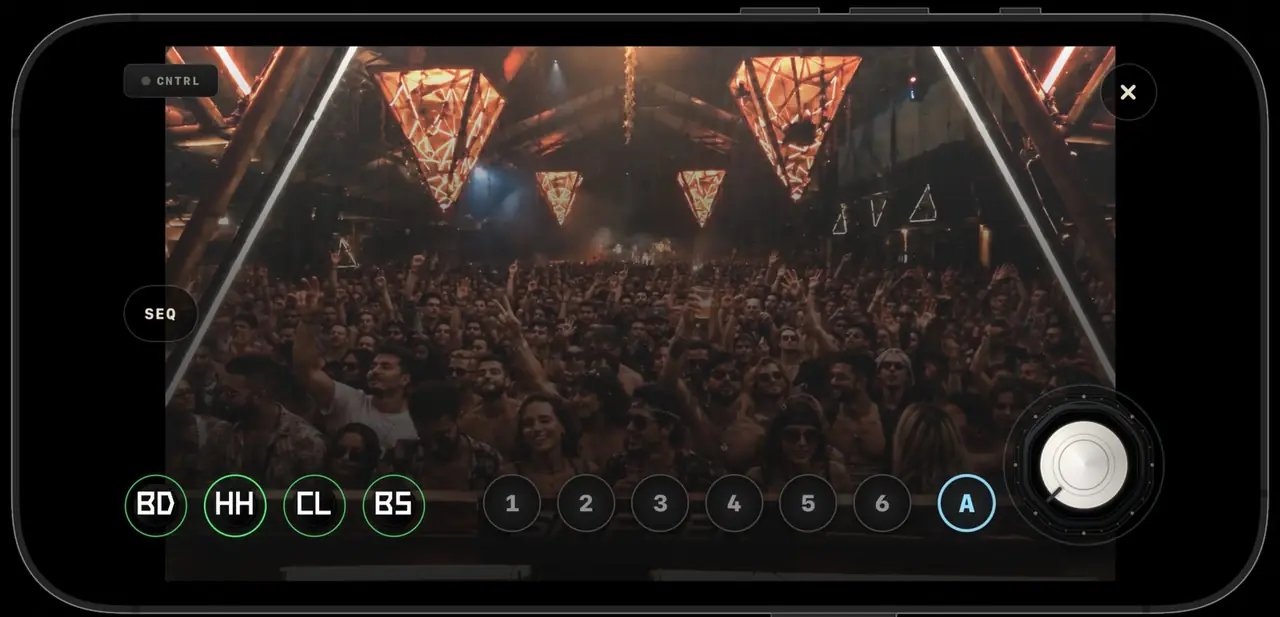
Flip the phone and the interface disappears into the crowd. Arm your mutes, double-tap for the Drop and ride the machines over the room.
Record + Stems
Record the complete take or export every machine separately, ready for your DAW.
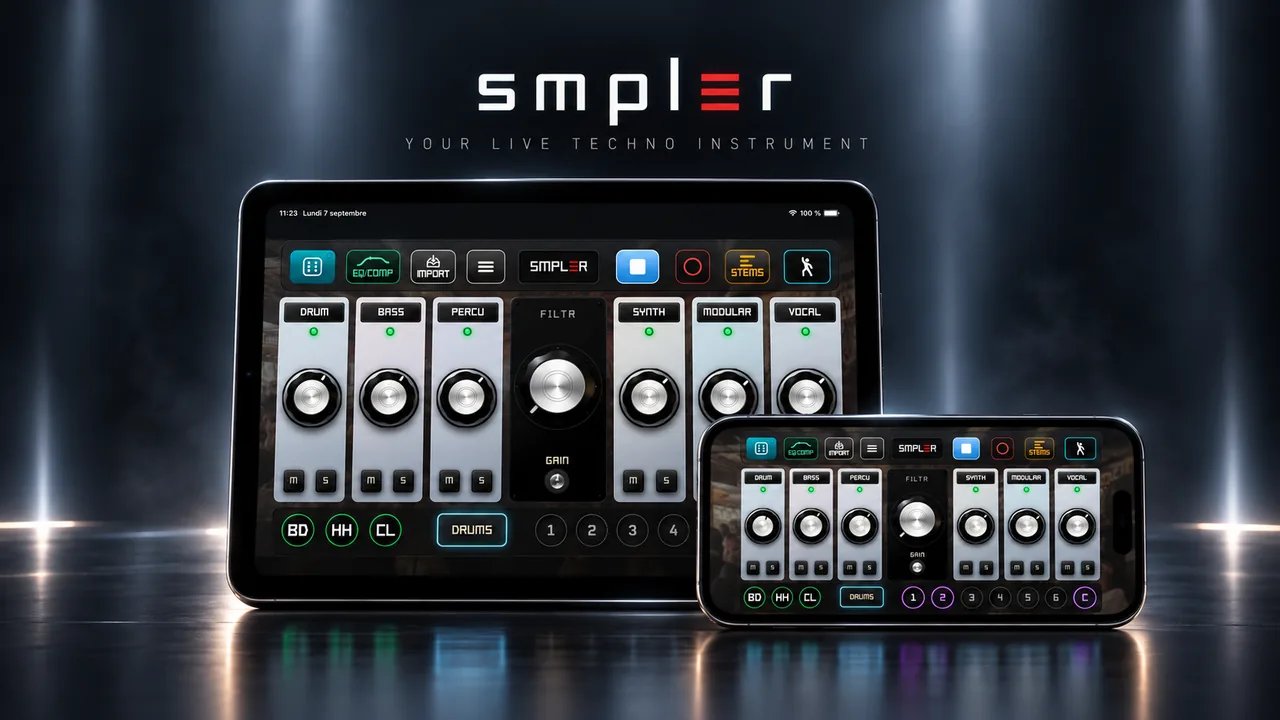
iPhone + iPad
One app, both screens. The phone fits in a pocket for the club; the iPad gives your thumbs room to breathe in the studio.
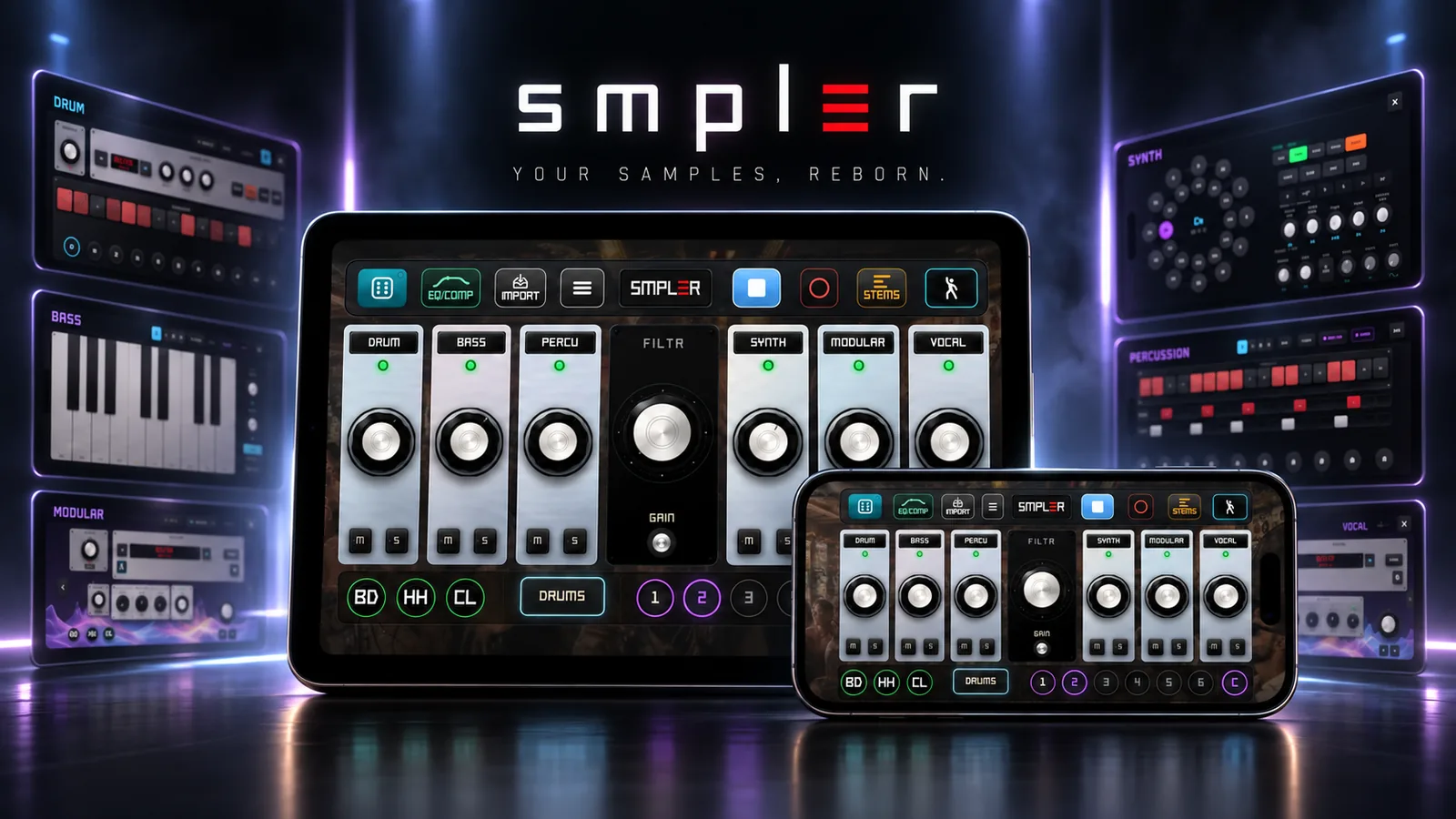
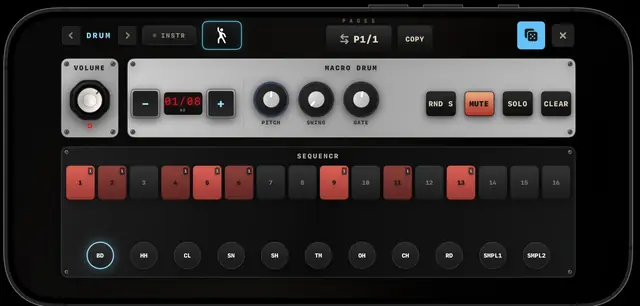
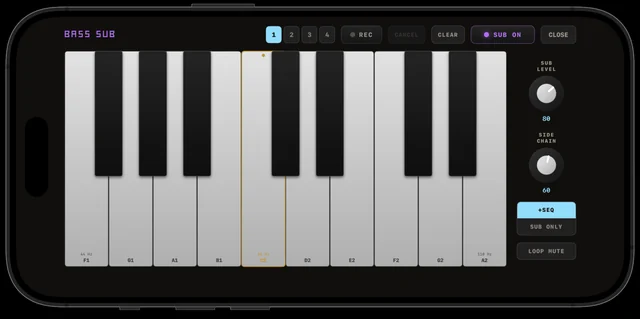
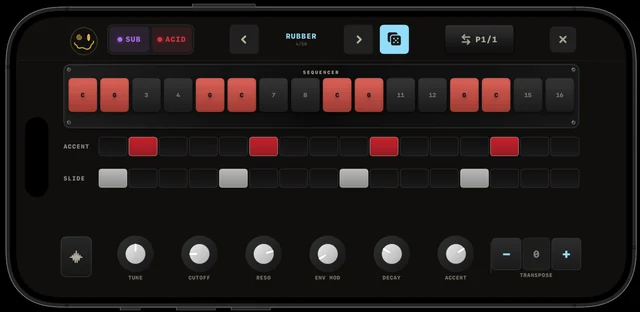
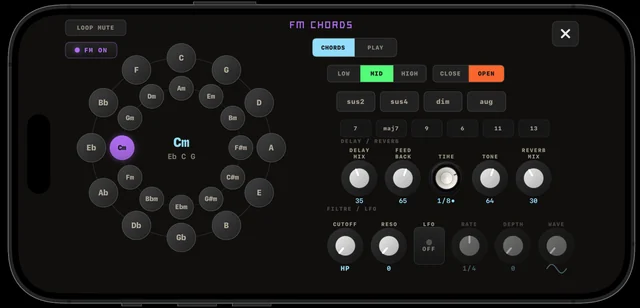
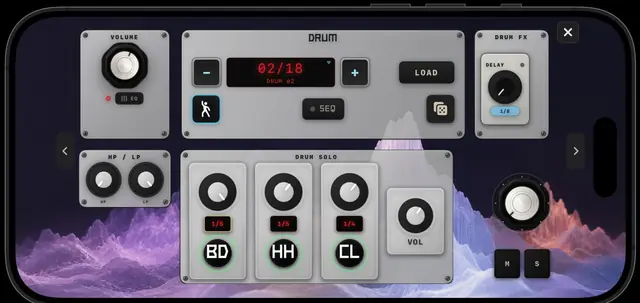
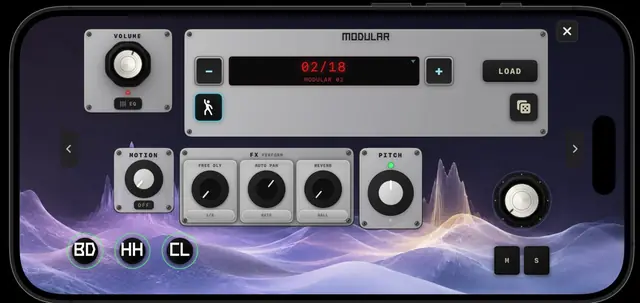
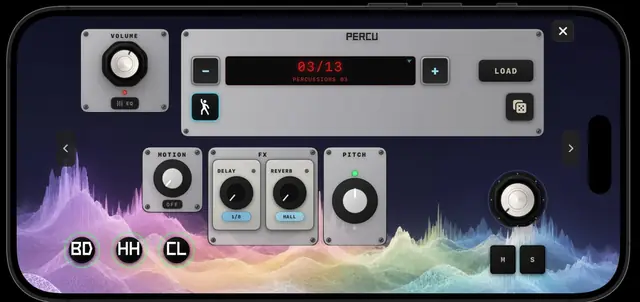
MIDI Clock out ● Master recording ● Individual stems ● Files import ● 44.1 kHz ● iPhone & iPad ● iOS 16.6+
SMPLER doesn’t make the music for you. → It gets you to the moment where the music begins.
SMPLER Free
SMPLER Pro Pricing at launch
Your recordings, stems and samples stay yours — even if you stop subscribing.
Join the first artists who will play SMPLER on iPhone & iPad. Launch access, development updates and the Founding Member offer.
No spam · Unsubscribe anytime · Privacy
A live techno instrument for iPhone and iPad. You import your own samples, find a groove with the dice, build scenes, play the room in Dancefloor mode and record the take.
No. If you can press Play, you can play SMPLER. Everything is learned by ear, by playing.
Yes — from the Files app or over Wi-Fi from your computer. SMPLER locks them to the grid.
No. The dice re-rolls your samples into new combinations. If you don’t like where it lands, one long press takes you back.
Yes, with Pro: every machine exports as its own file, ready for your DAW.
SMPLER sends MIDI Clock to your gear — it drives your drum machines and synths.
No — iPhone and iPad only, iOS 16.6 or later.
All machines and the mixer, RDM and RDM+, the starter library, your own imports, Dancefloor and the Drop.
Full performance recording, stems export, unlimited scenes and projects, deep RND+ settings and the full acid preset bank. Pricing is revealed at launch.
December 2026 on the App Store. Early access members get in first.